Stamp app icon

For collectors who still care about the object

Stamp

Why it feels different

Collect without losing the feeling of collecting.

A calmer home for your stamps.

Stamp turns loose finds into something worth revisiting. Capture a piece, shape it into a stamp, and keep the whole collection in a space that feels tactile, calm, and personal.

Collect fasterTurn a found piece into a kept piece before the moment passes.
Arrange with tasteKeep the library looking like a collection, not a file manager.
Keep it safeBring backup and sync in when the shelf becomes too valuable to lose.
Stamp detail screen
Stamp library screen
Collection detail screen
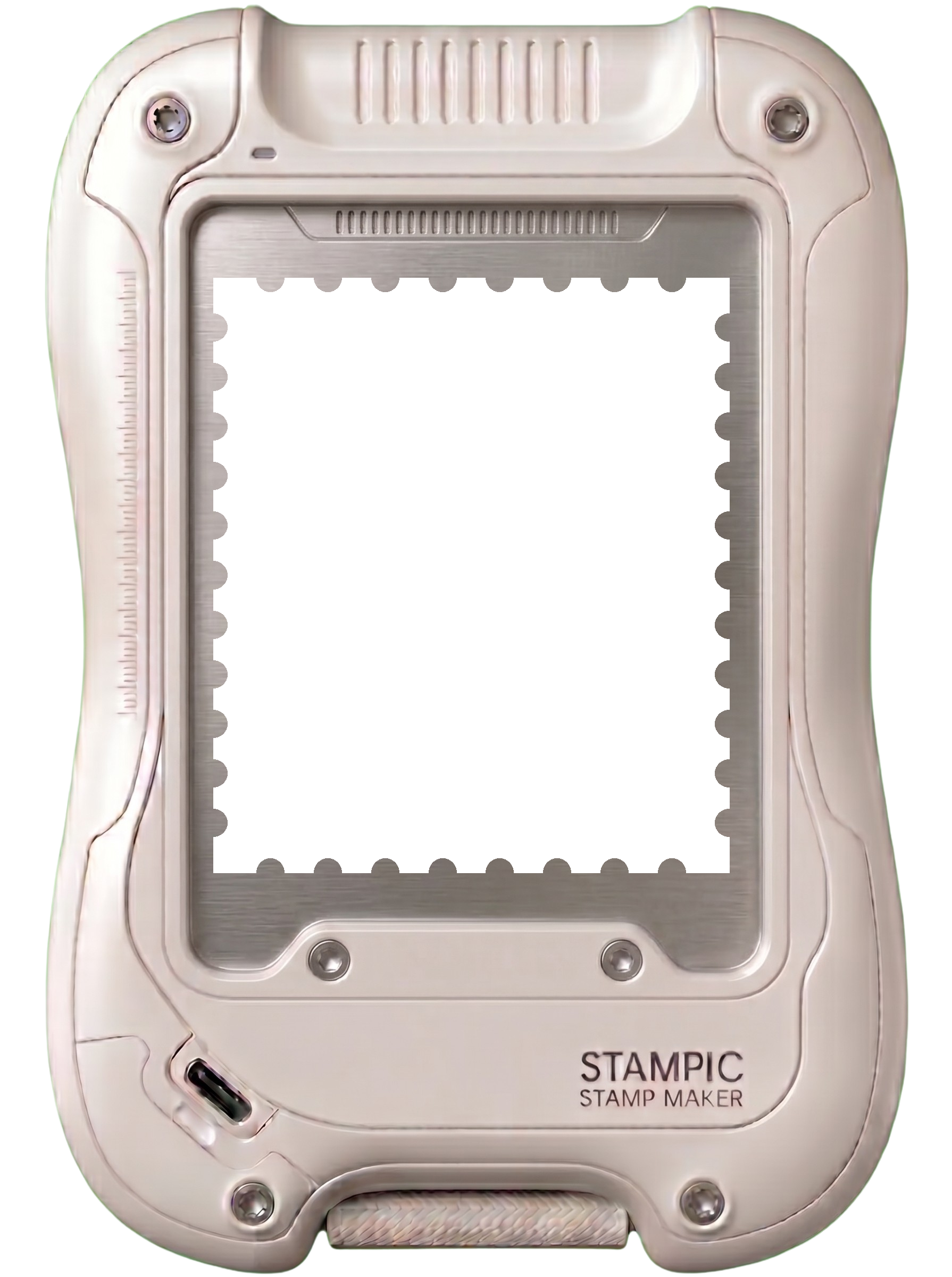
Stamp app shown inside a device frame
Designed to feel like handling a real piece, not sorting another folder.
Photograph, import, and shape each stamp before it settles into the album.

Photo + import

Bring new pieces in from the camera or your existing image library.

Ungrouped intake

Let new arrivals land softly before you decide where they belong.

Full-image reveal

Keep the source view one tap away when detail still matters.

Premium sync

Back up a shelf you would hate to rebuild from scratch.

Why collectors stay

It protects the part of collecting that spreadsheets and photo folders usually erase.

01

See the collection, not the clutter.

A new find turns into a clean digital piece in seconds, so the joy of collecting is still there long after the envelope is gone.

02

Give every piece a proper place.

Loose arrivals can rest quietly until you are ready to name, group, and shape the album the way you want it to feel.

03

Let the collection stay with you.

The app keeps your shelf portable, calm, and backed up when the collection becomes too personal to risk losing.

Built around the ritual

Closer to an album on a desk than a tool you tolerate.

The point is not to digitize the pleasure away. Stamp keeps the tactile mood alive with soft paper tones, handwritten hierarchy, and a flow that makes new arrivals feel composed instead of dumped into storage.

Photograph or import without breaking the collecting mood.

Crop, rotate, and stamp until the piece feels right.

Build named collections that feel closer to albums than folders.

Collector atmosphereReal pieces, tactile treatment, quiet organization
Stamp capture screen
Made to look like something a collector would actually keep open

Inside the product

The app is quiet on purpose, but it still shows its work.

Library view

Browse the shelf the way a collector thinks.

The main library stays visual first. Collections read like trays or album spreads, so you can scan pieces quickly without losing their character.

Large visual previews instead of tiny utility rows
Ungrouped works as intake, not as a dead-end folder
Floating capture stays present without crowding the page
Stamp library screenshot

Collection view

Zoom into a set and keep the arrangement intact.

Collection detail preserves the grid and mood of the set. The result feels closer to handling an album page than digging through a media library.

Dedicated collection pages for named themes and sets
Reorder and curate without breaking the visual rhythm
Built to make the shelf look intentional on every revisit
Stamp collection screenshot

Collector-first by design

Stamp is about keeping the pleasure of the album, even on a phone.

If the object matters, the interface should not feel disposable. Stamp keeps the collection close, legible, and emotionally intact, whether you are adding one new piece or shaping a shelf you have built for years.